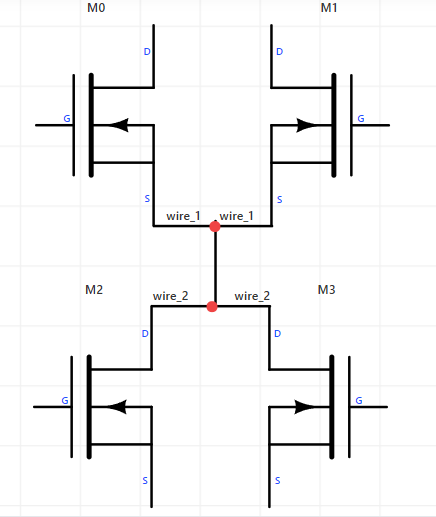
Adding Wire Junctions
When a wire needs to branch (T-junction), use Junction Mode:
- Enable Junction Mode from the ribbon toolbar.
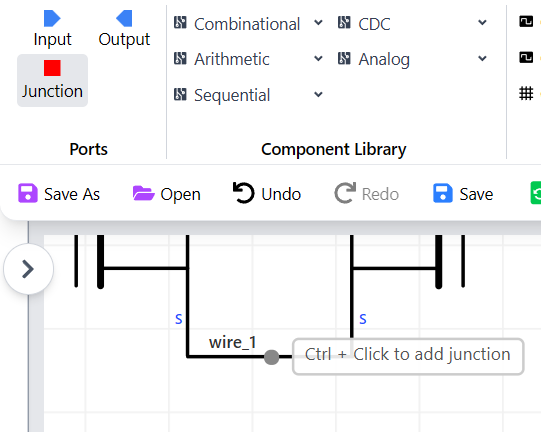
- Hold Ctrl and click on any existing wire where you want to add a junction point.
- A red dot junction appears. You can now connect a new wire from that junction point.
- Right-click a junction and select Remove Junction to merge the two wire segments back into one.
Select wire junction from the ports and connectors section
This is how a created junction looks like