User Interface Overview
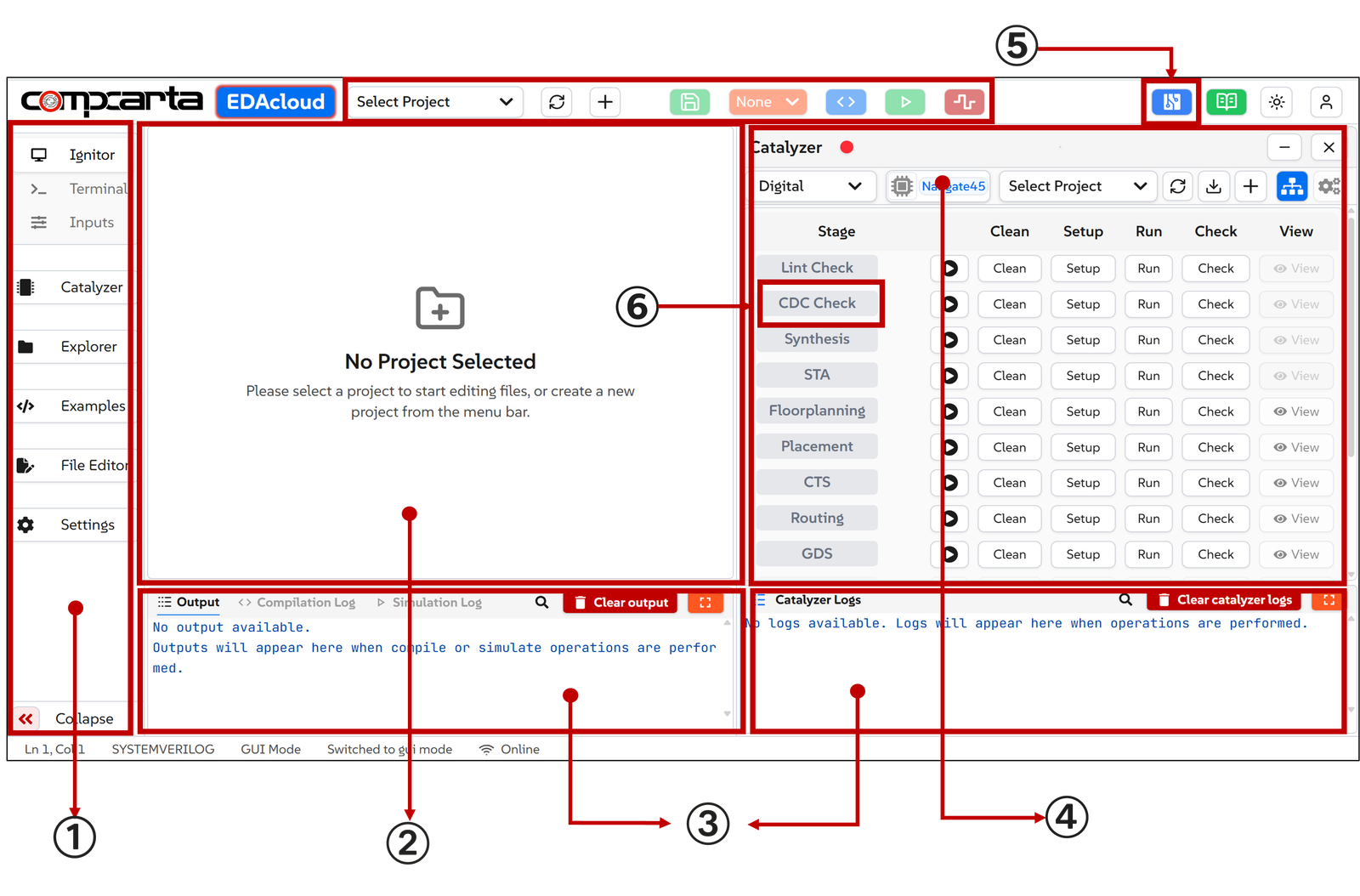
The illustration below shows the appearance of the EDAcloud platform, with key components highlighted below in the following order:
- Menu
- Ignitor
- Log Messages Windows
- Catalyzer
- CircuitPro
- QuickCDC (integrated with Catalyzer in 'CDC Check' step)
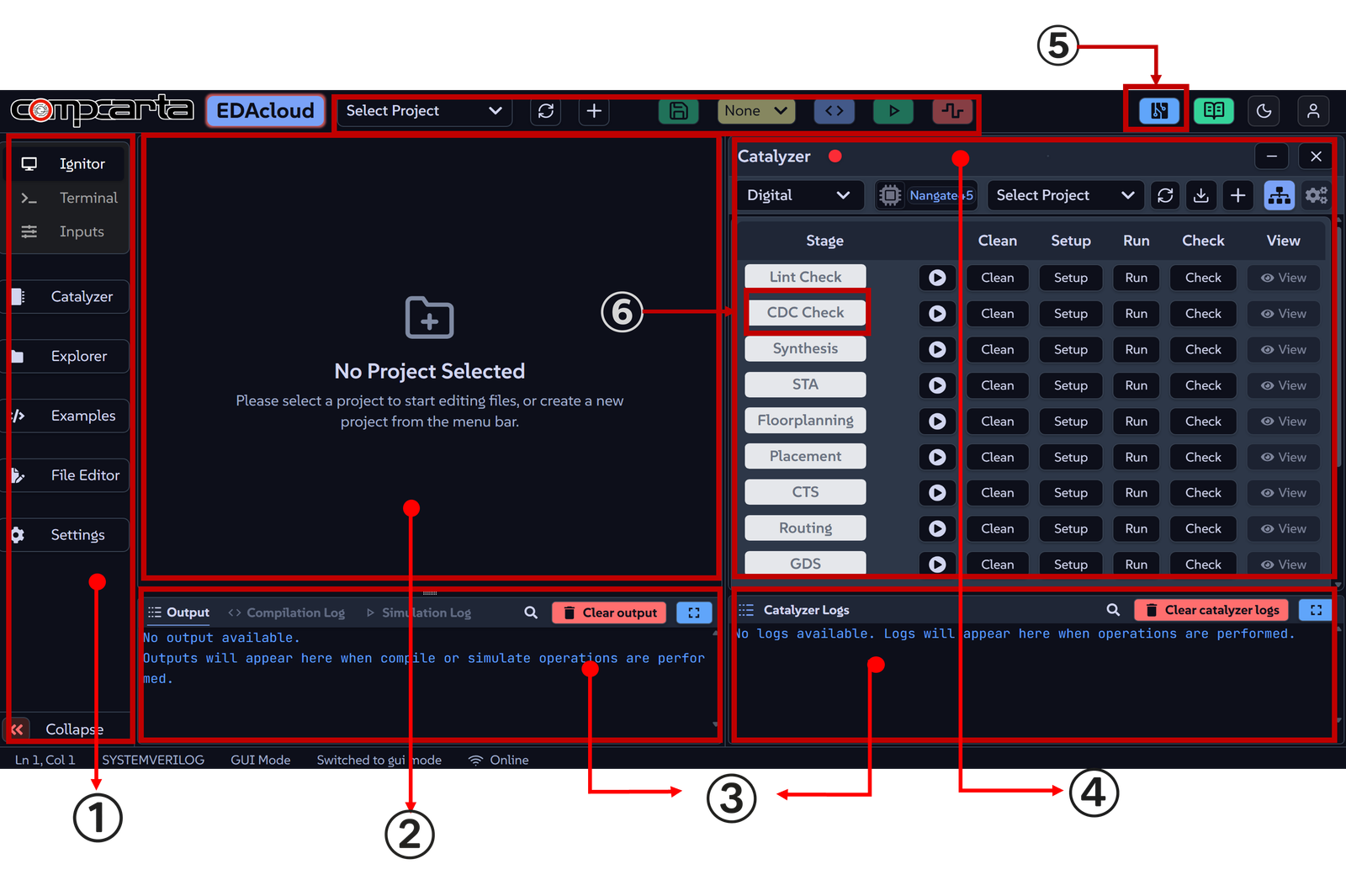
EDAcloud supports both dark mode and light mode. Light mode is shown below: